Microservices
Updated On 24 March 2024 |
Min(s) read
Kubernetes (K8)
This section explains the supporting packaged binary (ZIP) deployment on Kubernetes (K8):
The deployment on the K8 can be performed on:
NodePort - Exhibit the Service on each Node's IP at a static port.
LoadBalancer - Exhibit the service externally using a cloud provider’s load balancer.
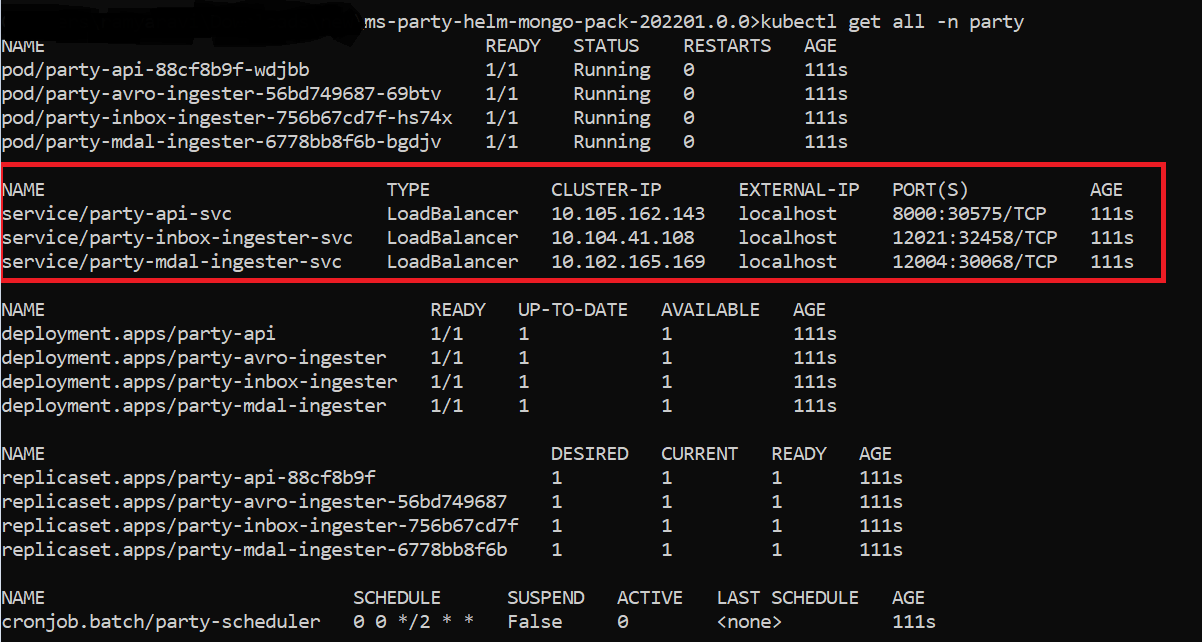
By default, the API/Ingester service is exhibited with the LoadBalancer and the Node port is for the API service.
LoadBalancer Service Deployment
After the successful K8 deployment, execute the kubectl get all -n party (namespace) command
NodePort Service Deployment
- Extract the
ms-party-helm-mongo-pack /ms-party-helm-postgresql-packfile. Navigate to the samples\operator folder and then execute the start-ingress-controller - Navigate one step back and then execute start-ingress script.
- Use <NodeIP>:<NodePort> in the endpoint URL and check the response of the configured NoderPort service.
- Base Path: http://<IP_ADDRESS>:<PORT>/<context-root>/api/<version>/
- For example, http://localhost:8000/ms-party-api/api/v3.0.0/
- The resource path of the endpoint is available in the swagger document of the respective APIs.
- A sample endpoint of the party could be http://localhost:8000/ms-party-api/api/v3.0.0/party/parties.

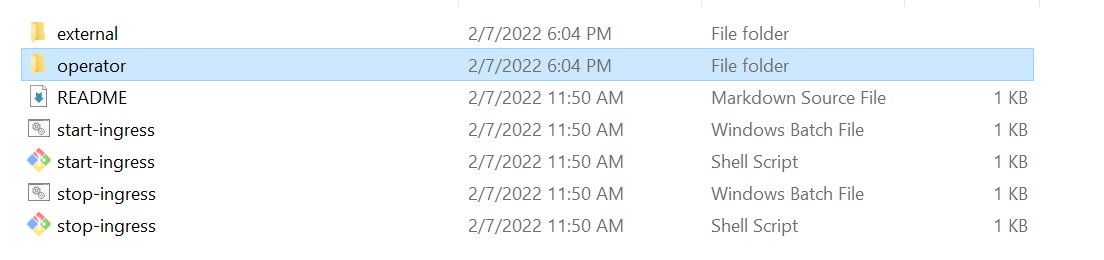
The assigned port is dynamic and gets generated with each deployment.
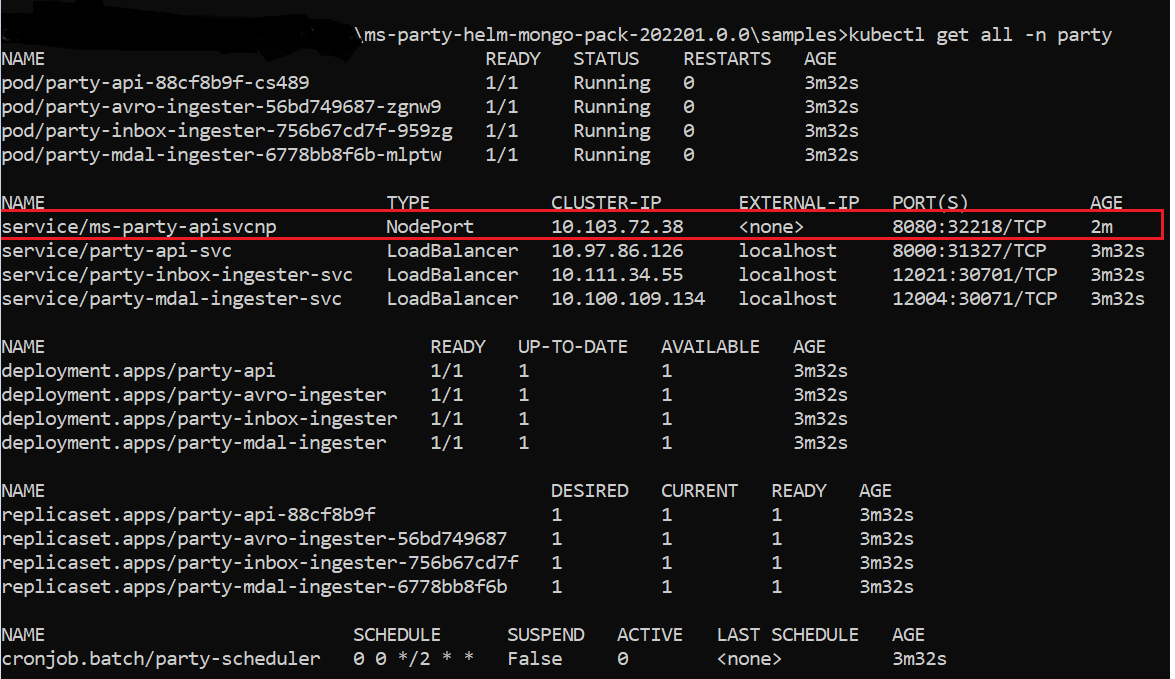
The structure of the URL of APIs is as follows.
Alternatively, you can obtain the microservice status through the Health Check API.
Undeployment
To stop and delete the existing container, run the following command:
- For Windows:
stop-party-mongo.bat/stop-party-postgresql.bat
- For Linux:
stop-party-mongo.sh/stop-party-postgresql.sh
In this topic